.png?width=187&height=40&name=AppVentory%20Logo%20(White).png)
What you get
A clearer understanding of what each report section depends on, plus the product's own readiness checklist for data gaps worth reviewing before you generate.
What the report draws on
A System Review walks through your stack in this order, and each section reads from a screen you already know:
- Big-picture indicators — Dashboard spend, budget, savings
- Changes and procurement pipeline — Apps added and removed, requests
- Spend optimisation — Problematic apps, overlaps
- Vendor risk and compliance — Compliance status per app
- User access — Licences held against licences used
- Software landscape — Top apps by spend, ratings, consolidation
- Systemic risks and backlog — Deployment models, replacements
So a gap in the underlying data can become a gap in the report. Unmatched software spend can understate app-level costs and related savings, while limited usage coverage makes licence and adoption conclusions less complete.
The Recommended Actions checklist
When you open the generate dialog, AppVentory lists what it recommends doing before you produce the report — the setup steps and data gaps that would make this document stronger. Treat that list as the answer to the question am I ready to send this?
Each item names a gap and points at the screen that closes it. Work down it, then generate.
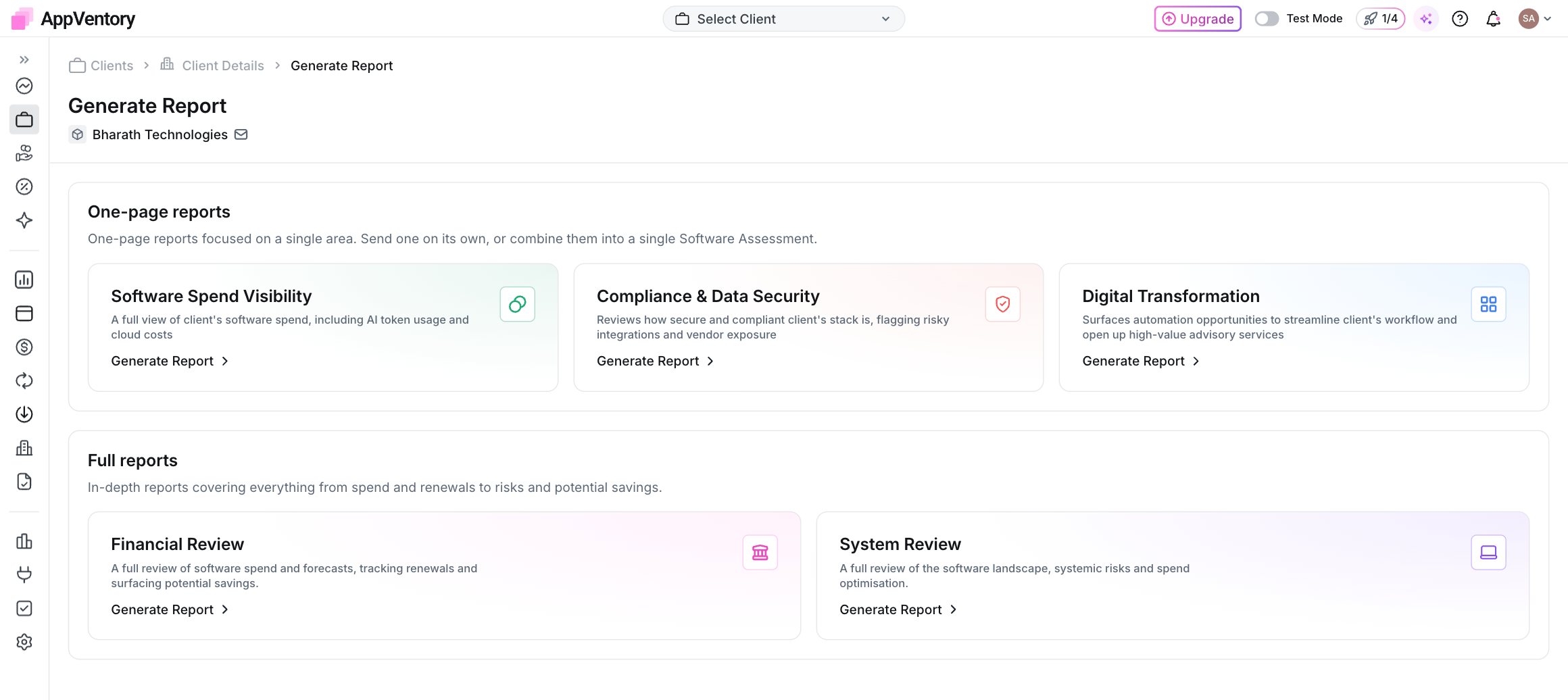
Report dialog with the readiness list
The numbers worth checking first
Start with total spend and headline savings. If software transactions are still waiting in Needs Review or Unmapped, those figures may be incomplete. Check the source data before you treat the report as final.
What you've unlocked
You now know which gaps matter most before a report leaves AppVentory.