.png?width=187&height=40&name=AppVentory%20Logo%20(White).png)
What you get
Enough lead time to prepare for an important renewal and a clear owner for the work that needs to happen before the date.
Three ways to act on a renewal row
On Renewals, each row's action menu offers:
- Create Flag — mark it for attention without assigning anyone yet.
- Create Task — hand it to a named person with a due date. Tasks are repeatable, so a quarterly check can be set once.
- Create Alert — a reminder ahead of the date.
Steps
- Go to Renewals → Active Renewals and sort by date.
- For each renewal in the next 90 days worth negotiating, open the row menu.
- Create Task and assign it to the person who owns the preparation.
- Set a due date that leaves enough time to review usage, contract terms, pricing and internal requirements before the renewal.
Lead time
Use more lead time for expensive, business-critical or contractually complex software. A simple monthly subscription may need less preparation than a large annual agreement with notice periods or procurement requirements.
For advisors
If your current account includes Client Notifications, use them as a supporting reminder rather than a replacement for your own renewal review. Check the client, renewal and sender configuration before relying on automated communication.
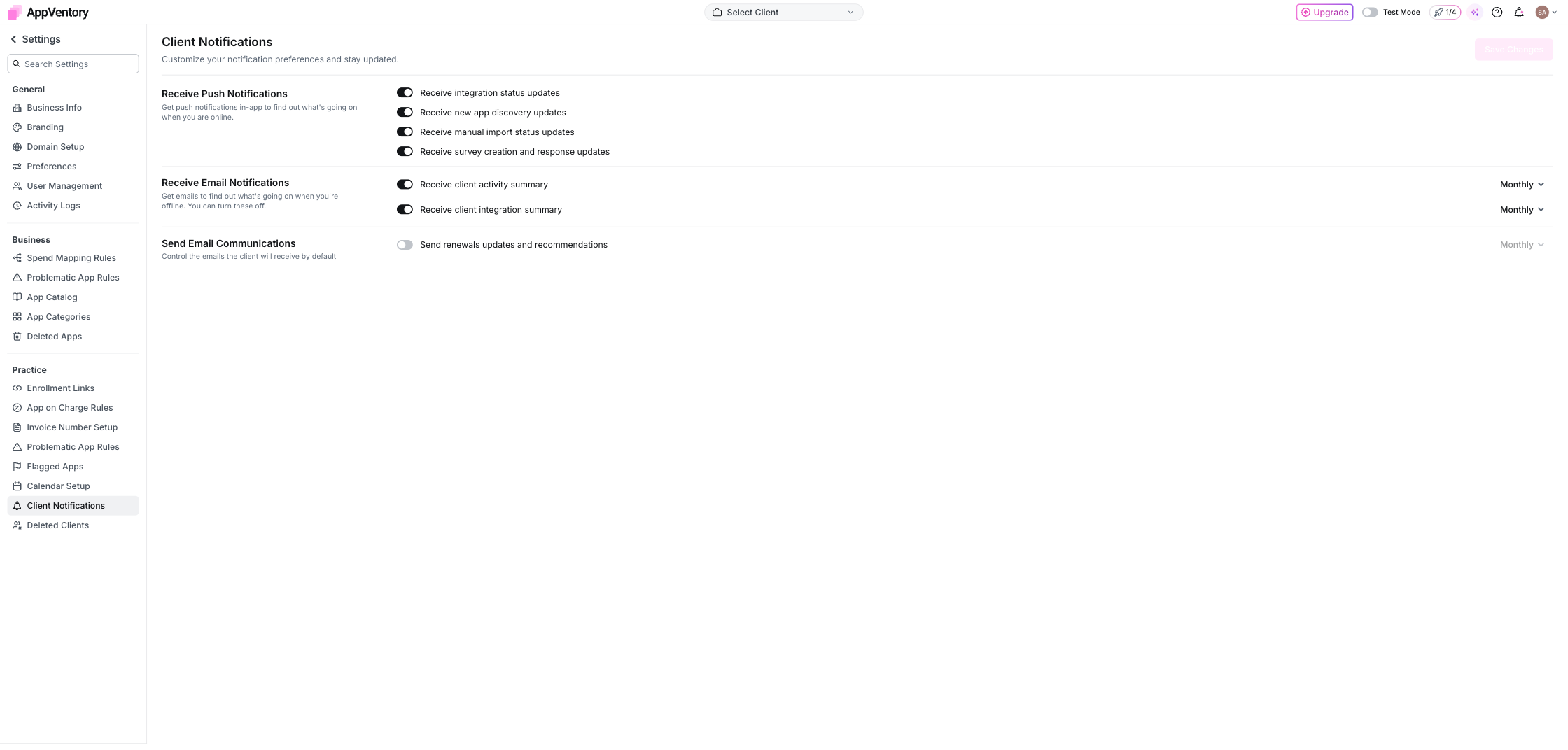
Client Notifications settings
What you've unlocked
Important renewals now have a date, an owner and enough preparation time to become a planned review instead of a last-minute reaction.