
10 minutes · Needs your accounting platform connected and the client organisation mapped
What you get
Each client's software spend for the last twelve months, the year-on-year change, and how much it is per employee. Usually a bigger number than the client expects.
Steps
- Go to Clients. The App Spend (12 Mon) column shows every client side by side. Compare clients side by side to find your biggest spenders.
- Open a client and stay on Apps Portfolio → Spend Overview.
- Read the App Spend card: last 12 months, year-on-year change, share of total expense and spend per employee.
- Scroll to Monthly App Spend to see the trend.
- Click View Spend to see the transactions behind the number.
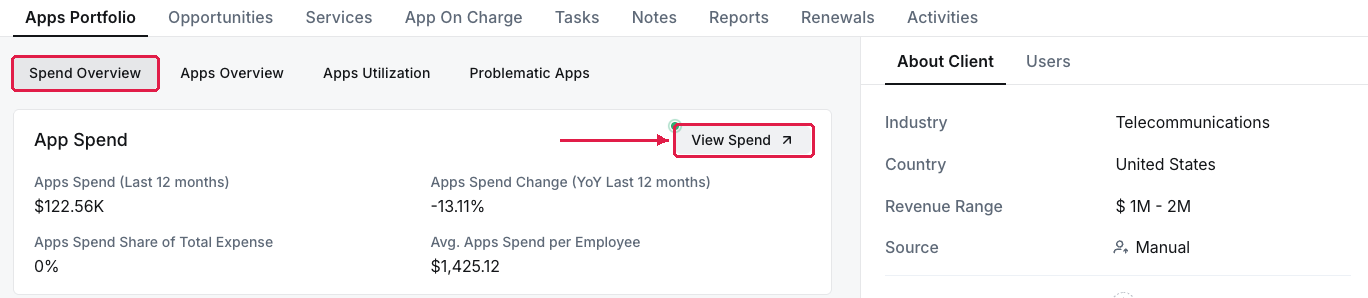
A client's App Spend card: last 12 months, year-on-year change and spend per employee
What you've found
A spend figure to open a conversation with. Before you quote per-app costs, clear the client's unmapped spend — see Match a client's spend to the right apps.
Managing your own organisation's software? See See what you're actually spending on software.