.png?width=187&height=40&name=AppVentory%20Logo%20(White).png)
What you get
The handful of settings that quietly decide whether your numbers make sense.
Preferences — get these right first
Settings → Preferences. Three fields matter more than they look:
- Default currency. What every total is shown in.
- Time zone. When schedules and syncs run.
- Fiscal year start. Every budget figure in Organization is measured against this. Set it to the wrong month and every department reads over or under budget for the wrong reason.
Test Mode is also switched on, off, or permanently removed here. Removing it cannot be undone.
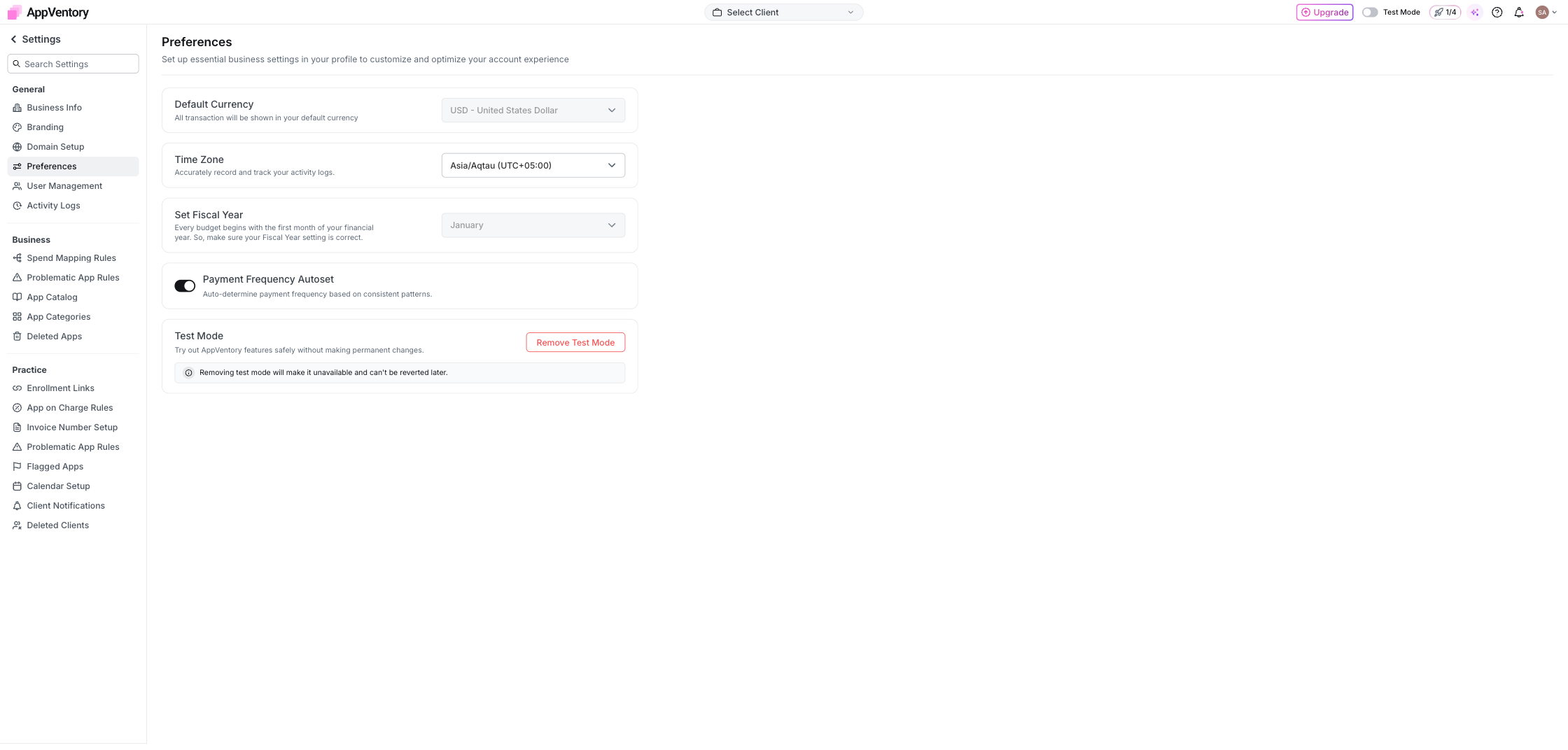
Preferences showing currency, time zone and fiscal year
Business Info and Branding
Business Info is your organisation's details. Branding sets the logo, colour and font that appear on every report and email you send. Domain Setup verifies your own domain as the sender, so emails to clients and survey invitations come from you rather than from a generic address.
Departments and budgets
Organization → Departments. Add departments, set an annual apps budget for the organisation and allocate it across them. % Budget Used then reads each department's fiscal-year-to-date spend against its allocation — red past 100%. In our example account one department stood at 265.6%, which is the kind of figure that starts a conversation on its own.
What you've unlocked
Next: Notification preferences